

MCP shared-runtime example
This local-only example proves that the CLI and an MCP client operate the same Kranz runtime. It starts three harmless Python/shell services on localhost, runs one action, reads its numbered result again, and cleans up the session.
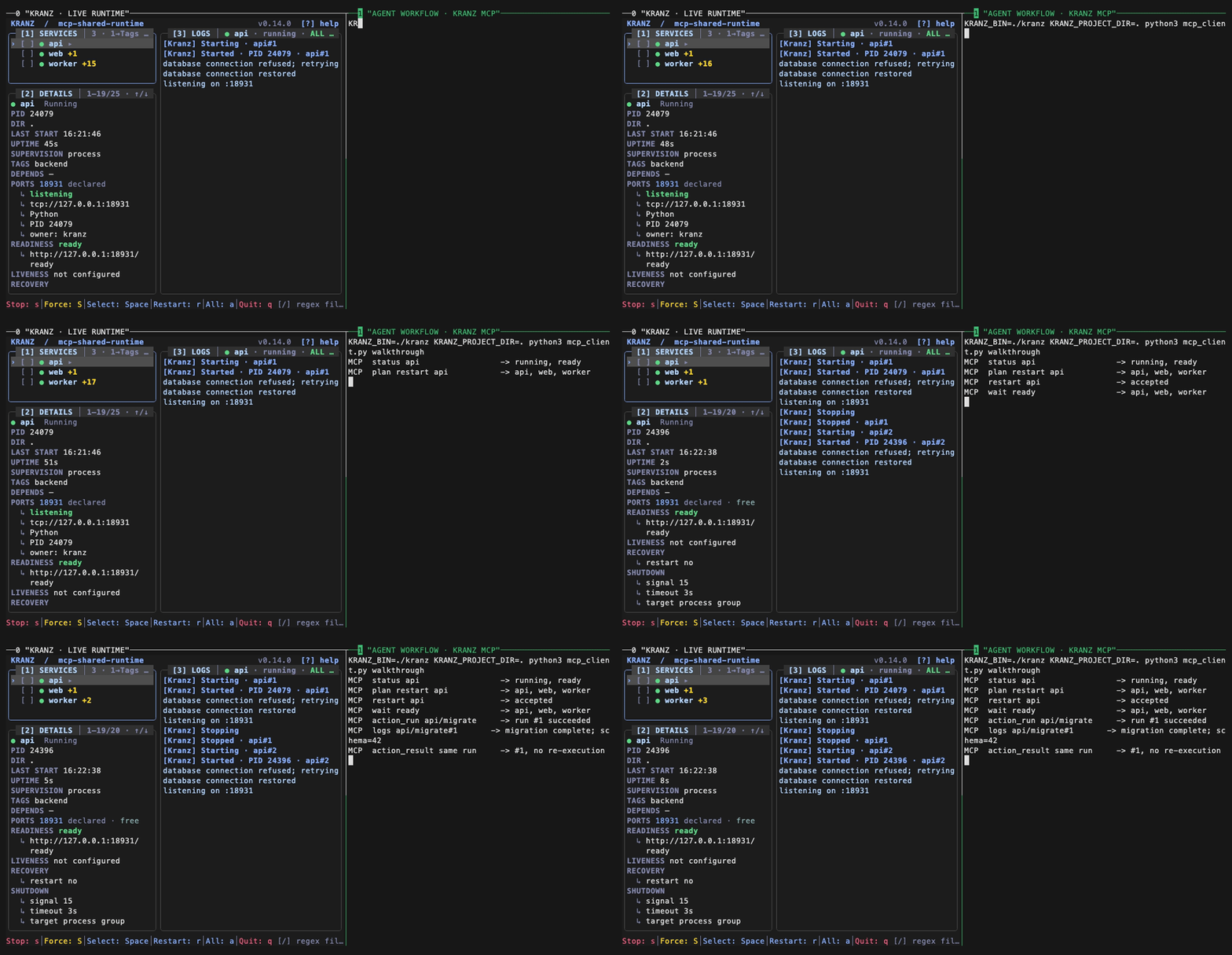
Run it
The example uses the kranz installed in your PATH. From the repository root, enter its directory:
cd examples/mcp-shared-runtimeThen use separate terminals if you want to keep the TUI visible:
kranz up --start -d
kranz attach                            # terminal 1: TUI
kranz status                            # terminal 2: CLI
python3 mcp_client.py status            # terminal 3: MCP
python3 mcp_client.py migrate
kranz down
The views report one runtime identity. The action result and logs use the same OWNER/ACTION#run; the client's second result read does not execute the action again. Closing either client leaves the independently owned runtime and its services running.
The client starts one unbound kranz mcp process. Point a call at another live runtime by passing its name from runtimes:
KRANZ_PROJECT_DIR=/workspace \
KRANZ_RUNTIME=another-runtime \
python3 mcp_client.py actions
Ports and cleanup
The example listens only on 127.0.0.1:18931 and 127.0.0.1:18932. Run kranz down from the example directory when finished. If startup reports a port conflict, inspect the owner instead of changing the example's ports silently:
kranz ports inspect 18931
kranz ports inspect 18932
Regenerate the recording
The recording is built from the same live client and project, with no fixture JSON or personal environment data:
make build VERSION=v0.14.0
vhs docs/assets/tapes/mcp-shared-runtime.tape
The smoke evidence is recorded in docs/assets/demo/mcp-smoke.md, and the runnable source lives in examples/mcp-shared-runtime.